• Privacy
  • Imprint
  • Contact Form
  • COMMAIK
    • Contact Form
    • Imprint
    • Privacy
  • The Villa
    • The top floor
    • The upper floor
    • The first floor
    • The cellar
    • The garden
  • Stories from the construction
    • irrigation
    • Photovoltaics
    • Pool and terrace
    • SmartHome
    • The planning
    • The demolition
    • The installation
    • Machinery
    • Restoration and working techniques
    • This and that
  • Videos
    • Build & Renovate
    • Irrigation
    • Carport
    • Gabions
    • Garden
    • Garden kitchen
    • Pool
    • Smart Home
    • Drying
    • Tutorials
  • TESTED & RATED
    • Heating solutions & energy
    • Outdoor & Garten
    • Pool & garden kitchen
    • Security & Smart Home
    • Tools & DIY
  • Commaik Music
  • COMMAIK
    • Contact Form
    • Imprint
    • Privacy
  • The Villa
    • The top floor
    • The upper floor
    • The first floor
    • The cellar
    • The garden
  • Stories from the construction
    • irrigation
    • Photovoltaics
    • Pool and terrace
    • SmartHome
    • The planning
    • The demolition
    • The installation
    • Machinery
    • Restoration and working techniques
    • This and that
  • Videos
    • Build & Renovate
    • Irrigation
    • Carport
    • Gabions
    • Garden
    • Garden kitchen
    • Pool
    • Smart Home
    • Drying
    • Tutorials
  • TESTED & RATED
    • Heating solutions & energy
    • Outdoor & Garten
    • Pool & garden kitchen
    • Security & Smart Home
    • Tools & DIY
  • Commaik Music
  • Privacy
  • Imprint
  • Contact Form
  • Set up Reolink camera optimally

    A Reolink IP PoE security camera system with reolink DVR, a surveillance camera, a recording schedule chart, and blue text #2 on gray background with a red border. www.commaik.de

    The Reolink surveillance cameras offer many functions. But what settings do I need to make step by step to get the most out of my security camera? And what is the difference between the settings on the network video recorder (NVR) and the camera? I would like to describe the setup and configuration of my Reolink PoE IP camera in more detail in the following article. You can also watch the entire installation process at

    Weiterlesen

    Ähnliche Beiträge

    Graphic featuring multiple Reolink security cameras and a video recorder on a gray background, with “Reolink Firmware Update?!” highlighted in bold text at the center. www.commaik.de

    Update Reolink firmware quickly and safely: Step-by-step guide for cameras and NVRs

    7. February 2025
    Screenshot of a solar panel monitoring app displaying the Statistik section. The background highlights blue solar panels, with the main heading reading Balcony Power System and a note showing it was last updated 5 minutes ago. www.commaik.de

    Balcony power station – Set up the Solarman app optimally

    29. October 2023
    A man thoughtfully poses in front of images of the Argus Eco Ultra cameras, a solar panel, and a backyard pool. The Reolink logo is at the top right, with "Argus Eco Ultra" displayed prominently in bold text. www.commaik.de

    Reolink Argus Eco Ultra review: 4K rechargeable surveillance camera without subscription

    17. February 2025
  • Install Reolink RLN36 NVR | Install hard disk and set up camera

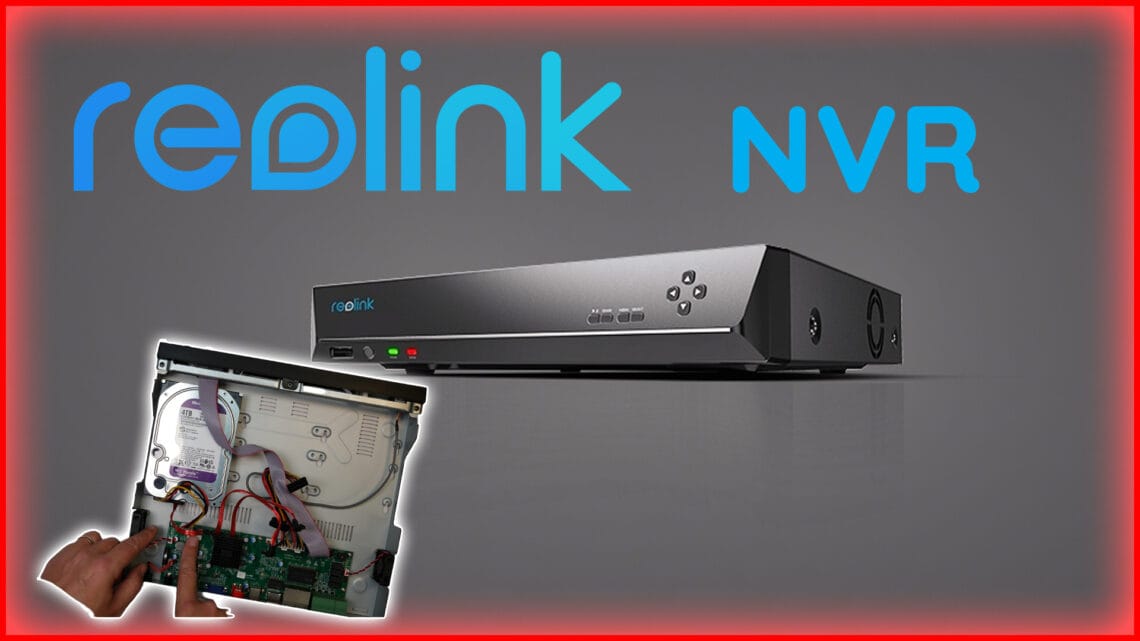
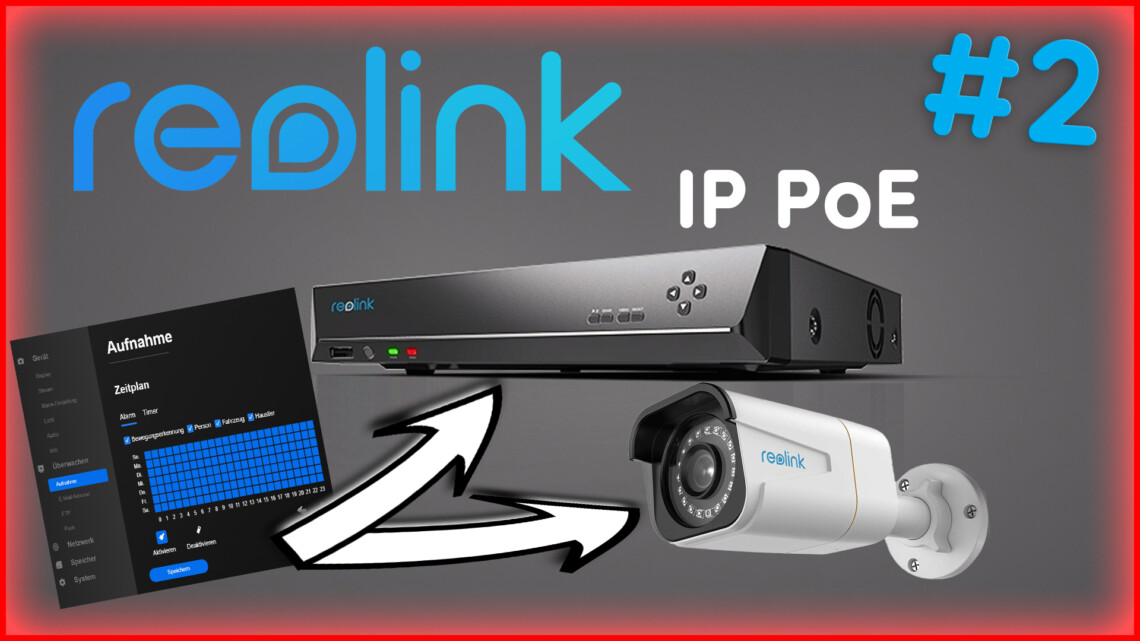
    Reolink NVR device on a gray background with large "Reolink NVR" text above it; a hand can be seen in the background installing a hard drive inside the Reolink security system. www.commaik.de

    To monitor my property, I had set up a camera surveillance system. Nine Hikvison and Trendnet cameras monitored every nook and cranny on the site. The data was stored on a QNAP NAS. The system ran cleanly and stably – but also at the capacity limit. The amount of data from the cameras was simply too large and I had to think about how to future-proof my surveillance system. I therefore decided to set up a Reolink camera system and store the data on an NVR, a network video recorder. In this post I show you how I went about it.
    Weiterlesen

    Ähnliche Beiträge

    Graphic featuring multiple Reolink security cameras and a video recorder on a gray background, with “Reolink Firmware Update?!” highlighted in bold text at the center. www.commaik.de

    Update Reolink firmware quickly and safely: Step-by-step guide for cameras and NVRs

    7. February 2025
    A man looks thoughtfully at three security cameras, each with arrows pointing toward a white Reolink home hub device on a grey background. www.commaik.de

    Reolink Home Hub: Central storage & monitoring center

    11. August 2024
    A man stands thoughtfully next to a large question mark, with three Reolink security cameras and the Reolink logo displayed on a gray background, highlighting Reolink’s commitment to smart security solutions. www.commaik.de

    Reolink Duo 3 PoE surveillance camera tested against 2 RLC 810A

    29. April 2024

Autor & Blogger

In this construction diary, we share our experience in the renovation and modernization of our Art Nouveau villa and hope to give a few suggestions and tips to some of you.

commaik.de © 2026
  • Contact Form
  • Privacy
  • Imprint
  • Change privacy settings
  • Cookie policy
  • English
  • Deutsch (German)