• Privacy
  • Imprint
  • Contact Form
  • COMMAIK
    • Contact Form
    • Imprint
    • Privacy
  • The Villa
    • The top floor
    • The upper floor
    • The first floor
    • The cellar
    • The garden
  • Stories from the construction
    • irrigation
    • Photovoltaics
    • Pool and terrace
    • SmartHome
    • The planning
    • The demolition
    • The installation
    • Machinery
    • Restoration and working techniques
    • This and that
  • Videos
    • Build & Renovate
    • Irrigation
    • Carport
    • Gabions
    • Garden
    • Garden kitchen
    • Pool
    • Smart Home
    • Drying
    • Tutorials
  • TESTED & RATED
    • Heating solutions & energy
    • Outdoor & Garten
    • Pool & garden kitchen
    • Security & Smart Home
    • Tools & DIY
  • Commaik Music
  • COMMAIK
    • Contact Form
    • Imprint
    • Privacy
  • The Villa
    • The top floor
    • The upper floor
    • The first floor
    • The cellar
    • The garden
  • Stories from the construction
    • irrigation
    • Photovoltaics
    • Pool and terrace
    • SmartHome
    • The planning
    • The demolition
    • The installation
    • Machinery
    • Restoration and working techniques
    • This and that
  • Videos
    • Build & Renovate
    • Irrigation
    • Carport
    • Gabions
    • Garden
    • Garden kitchen
    • Pool
    • Smart Home
    • Drying
    • Tutorials
  • TESTED & RATED
    • Heating solutions & energy
    • Outdoor & Garten
    • Pool & garden kitchen
    • Security & Smart Home
    • Tools & DIY
  • Commaik Music
  • Privacy
  • Imprint
  • Contact Form
  • Update Reolink firmware quickly and safely: Step-by-step guide for cameras and NVRs

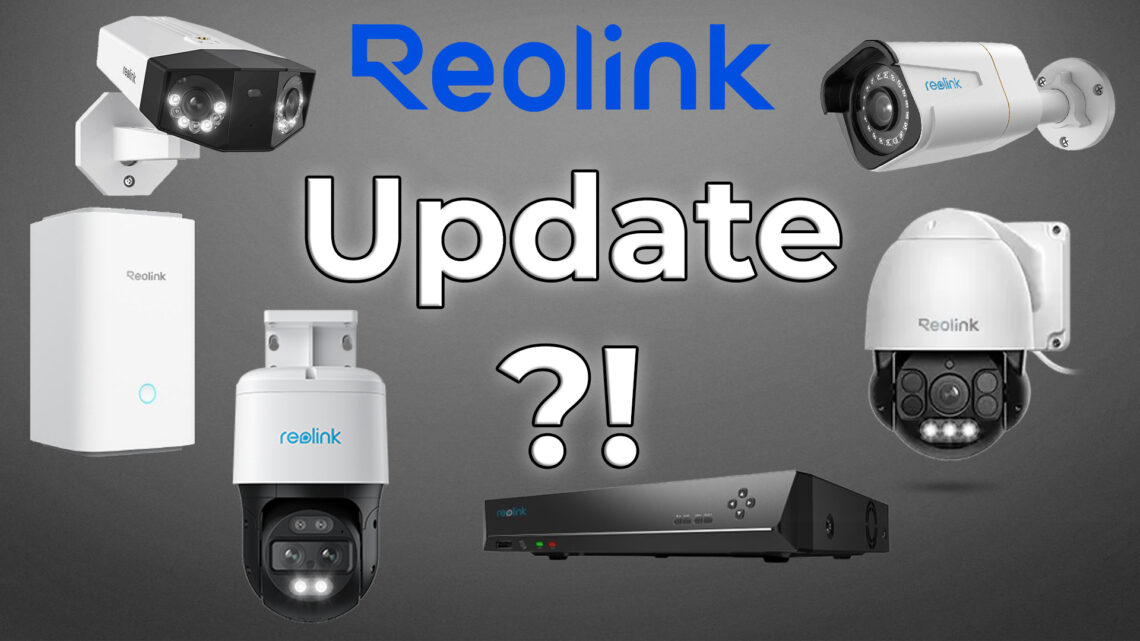
    Graphic featuring multiple Reolink security cameras and a video recorder on a gray background, with “Reolink Firmware Update?!” highlighted in bold text at the center. www.commaik.de

    Reolink firmware updates ensure that surveillance cameras, NVR and the Home Hub work reliably and securely. In this article, I will show you how to perform a manual update, why it is often necessary and how it works quickly and easily via the Reolink app or client. You will also find out how the Home Assistant helps you to keep an eye on firmware versions and inform you of updates in good time.

    Weiterlesen

    Ähnliche Beiträge

    A smart irrigation controller displaying “Hydrawise” is shown with an arrow pointing to a sprinkler watering a lush green lawn in the backyard. www.commaik.de

    Installing and programming the Hunter Hydrawise irrigation computer – step by step

    24. August 2025
    A black Reolink NVR device is shown against a gray background. A large text in German reads "Hard disk retrofitting". The Reolink logo appears in the bottom left corner. www.commaik.de

    Expand Reolink NVR storage space – Installing and configuring hard disks correctly

    26. February 2026
    A person stands on a rooftop with solar panels and a balcony power plant, pointing toward a graphic showing a Zendure SuperBase energy storage unit. A modern house and trees are visible in the background. www.commaik.de

    Optimize balcony power plant – New modules and 220V battery storage for maximum efficiency

    26. July 2024

Autor & Blogger

In this construction diary, we share our experience in the renovation and modernization of our Art Nouveau villa and hope to give a few suggestions and tips to some of you.

commaik.de © 2026
  • Contact Form
  • Privacy
  • Imprint
  • Change privacy settings
  • Cookie policy
  • English
  • Deutsch (German)