Expand Reolink NVR storage – install hard disk and configure correctly
In this project I expand the storage of my Reolink NVR and show step by step how additional HDDs are professionally installed, connected and formatted directly in the system. In addition to the practical installation, I also discuss the maximum hard disk size of the various Reolink NVR models and explain how the system works with multiple hard disks.
This article documents my experiences with the RLN36 and provides a technical classification of the storage strategy, data security and the differences between a surveillance HDD and a desktop hard disk.
Click here for the detailed entry: Expand Reolink NVR storage space – Installing and configuring hard disks correctly
Here you can find my playlist with more videos about the installation and setup of Reolink camera and NVR.
If you want to see more of me and my projects, feel free to check out my YouTube channel.
👉 More about the Reolink NVR RLN36
👉 More about the Reolink NVR RLN16
👉 More about the Reolink NVR RLN8
👉 More about the Reolink NVR RLN12W
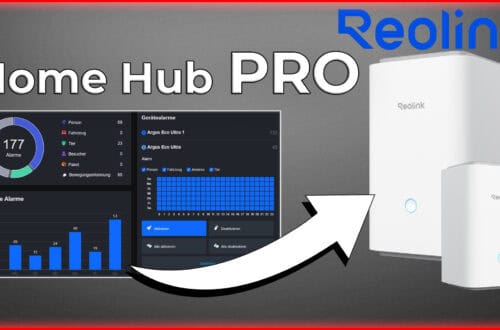
👉 More about the Reolink Home Hub Pro
👉 More about the Reolink Home Hub
Zuletzt aktualisiert am 26. March 2026 um 06:31 . Ich weise darauf hin, dass sich hier angezeigte Preise inzwischen geändert haben können. Alle Angaben ohne Gewähr. (*) Bei den verwendeten Produktlinks handelt es sich um Affiliate Links. Ich bin nicht der Verkäufer des Produktes. Als Amazon-Partner verdiene ich an qualifizierten Verkäufen. Dein Preis ändert sich jedoch nicht.


Dieser Beitrag ist auch verfügbar auf:
 English
  Deutsch